
Appointment reminder
a day ahead
Your appointment is tomorrow at 10:30. Dentalis Practice, Control.
Sent on behalf of your practiceOrdoDens is a modern platform for dental practices that brings scheduling, patient records, treatments, photographs and patient communication into one place.
From an appointment in the calendar to a photograph the patient sees in their own portal — and that is the order this page reads in.
It all starts with one appointment. Open the day and you can see who is coming, how long they are in for and how far the visit has got — without opening a single record.
A free row is also a button: tapping 09:15 opens booking already set to 09:15. Booking is slot → patient → save.
Tapping an appointment opens the patient. The next appointment, the last visit, the photographs and the notes sit beside one another, with the history underneath — and nothing hidden behind a tab to hunt through.
Anything longer than a glance — the whole gallery, every note, the full list of appointments — opens over the record, so the record itself always fits on one screen.
Treatment continues in two weeks. No complaints, hygiene good.
Every visit is recorded in the same place, so a patient’s history reads as one line through time rather than as a folder to leaf through.
The patient is entered once: details, contact and card number. The appointment is attached to them, and that is where the record begins.
New patientFindings are written as a note against that visit, so later you know which appointment they belong to and not only what date they were written.
Note against the appointmentWhat was agreed is written down, and the next appointment is booked right there — while the patient is still in the chair.
Next appointmentA control is an appointment like any other, only of its own kind, so the record shows how many there have been and how far apart.
Visit type: controlPhotographs are added against the control and sorted by view, so the state is compared over time rather than from memory.
Photos by dateThe visit is closed as completed and stays in the history. What happened is not deleted — it is read.
Status: completedPhotographs go up straight from a phone, sort themselves by view and carry the date they were taken. Two of them combine into one comparison that shows what numbers cannot.
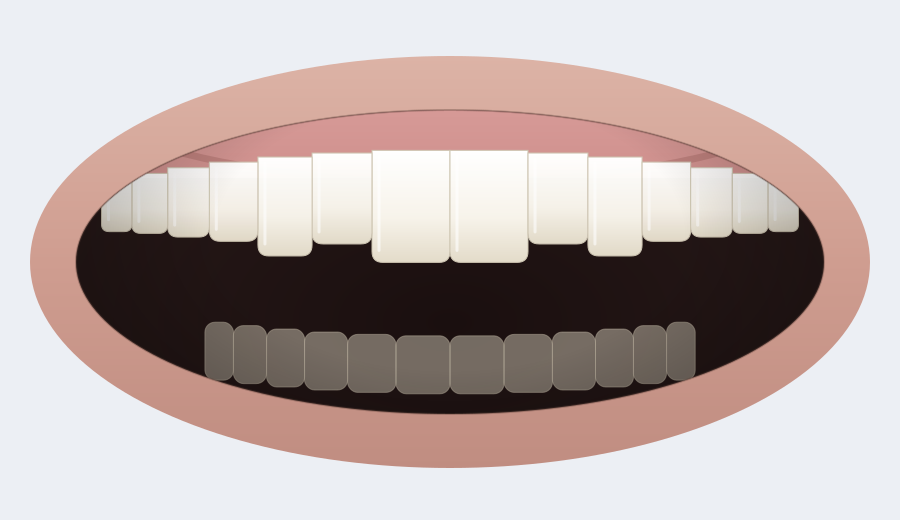 Before
After
Before
After
Drag the handle to compare the first and the last state.
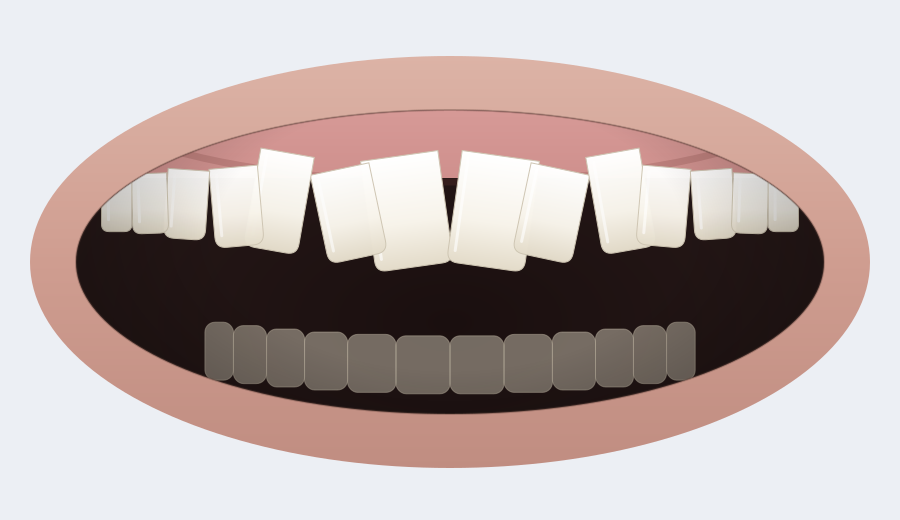
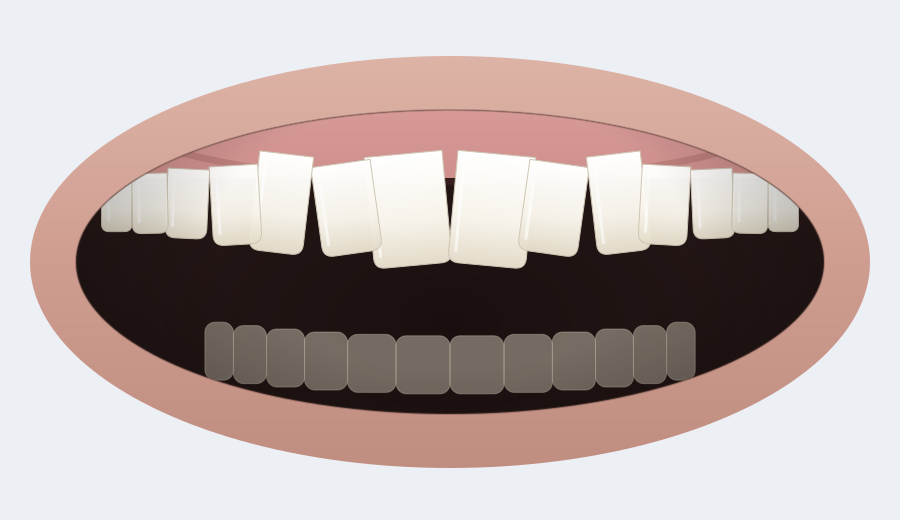
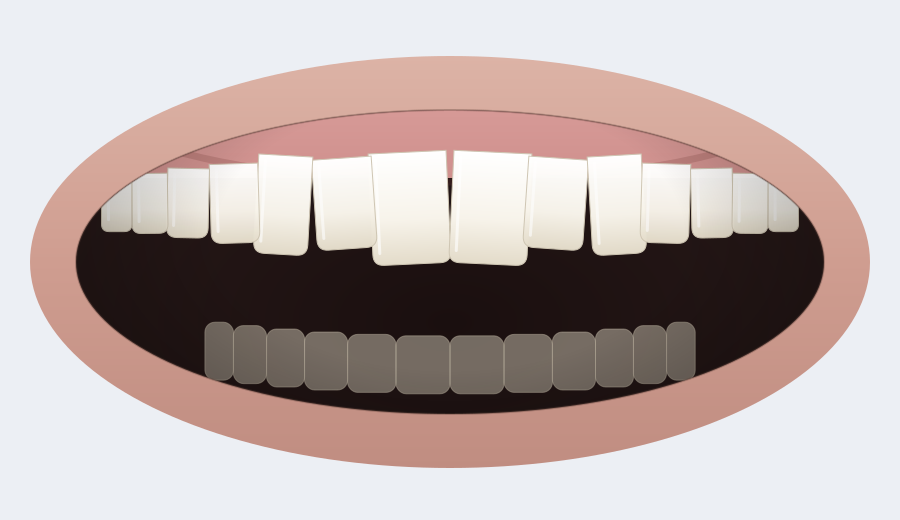
The pictures above are demonstration drawings, not photographs of patients. In the application this is where your practice’s own photographs sit.
OrdoDens emails the patient about their appointment. What goes out and how far ahead is yours to decide, and every send is recorded — so the same reminder never goes twice.
Your appointment is tomorrow at 10:30. Dentalis Practice, Control.
Sent on behalf of your practiceYour appointment is booked for 15 Sep at 10:30. See you then.
Sent on behalf of your practiceYour appointment has moved from 15 Sep at 10:30 to 17 Sep at 09:00.
Sent on behalf of your practiceYour appointment on 15 Sep at 10:30 has been cancelled. Get in touch for a new one.
Sent on behalf of your practiceDentalis Practice has opened access to your appointments and photographs.
Sent on behalf of your practiceThe patients who have not been in for a while and have nothing booked, so nobody quietly falls off the books.
OrdoDens sends notifications by email. SMS and WhatsApp are not supported, so they are not promised here either. Reminders are off until a practice turns them on, and only go out inside the hours you set.
The patient is invited by email and opens their own page on their phone. Their next appointment is on it, along with the list of their visits and the photographs you chose to show them.
The portal runs at your practice’s own address, with your name and your logo — to a patient it is your page, not the software vendor’s.
Tuesday, 15. September 2026
The first screen after signing in answers the questions that get asked every morning anyway: how many are coming today, who is next, and what has been done.
Tuesday, 15. September 2026
Deliberately no revenue and no case-acceptance percentages: these are the numbers the application really keeps, rather than the ones that look good in a picture.
The same system on the desk, in the surgery and in your hand. Not a shrunken version for phones — each screen is built for the device it is used on.
Treatment continues in two weeks. No complaints, hygiene good.
Tuesday, 15. September 2026
OrdoDens does not keep every practice in one database with a column saying whose row is whose. Each practice gets its own address and its own database.
One practice’s data is not in the same database as another’s, so a query against one cannot reach the other.
Signing in happens at your practice’s address, with your name and your logo on the sign-in screen.
Administrator, moderator and limited access. Who may see and change what is decided once and holds everywhere in the application.
Changes are logged with the time and the user, so it is possible to see afterwards who changed what.
There is deliberately no certificate and no legal guarantee on this page. It says only what can be checked in the application.
Discover OrdoDens and see how day-to-day work can look in your practice.
Or simply write to us at info@ordodens.com.
Signing in does not happen on this page. Every practice has an address of its own, and that is where both the team and the patients sign in.
Your practice’s address, then sign in with your own account.
practice.ordodens.com/loginThe same address, the portal part — access is opened by the practice, by invitation.
practice.ordodens.com/portalNot sure of your practice’s address? Write to us at info@ordodens.com.